Your class builds real worlds
A science sandbox where students design planets and star systems with real physics, and see what every choice does to the world they made.
14 days free with 1 classroom and 25 students. No card needed.
How it works
Create a class
Sign in as a teacher, name the class and choose what students can use.
Put the code on the board
Every class gets a short code. Write it up, or show it full screen from your dashboard.
Students build
They enter the code, a name and a password, and start building in your private class galaxy.
No email. No Google. No IT ticket.
Students sign in with three things: your class code, their name and a password. That is the whole process.
School Chromebooks often block sign-in emails and outside Google sign-in. TerraForge needs neither, so there is nothing for IT to approve and no accounts to set up before the lesson. A student who forgets their password asks you, and you reset it from your dashboard.
- Class code
- First name
- Password
Everything a planet lesson needs
Real physics, not a paint program
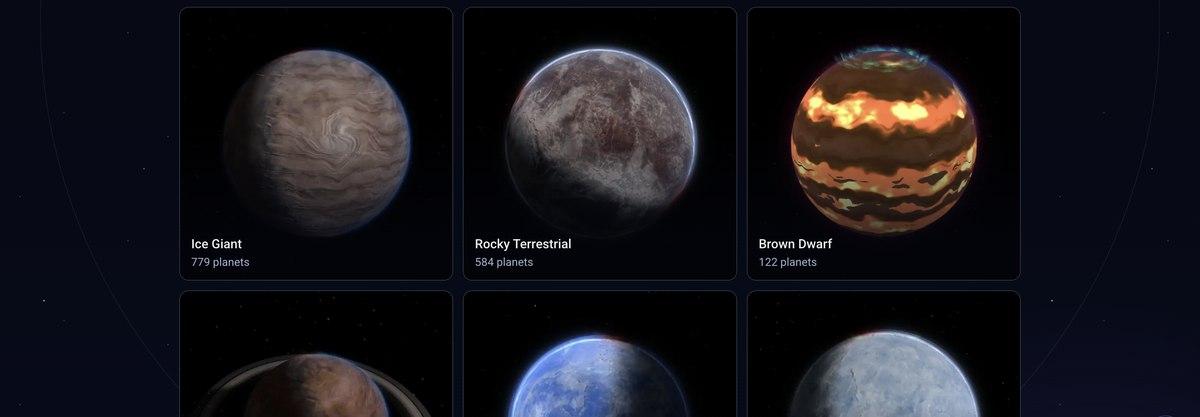
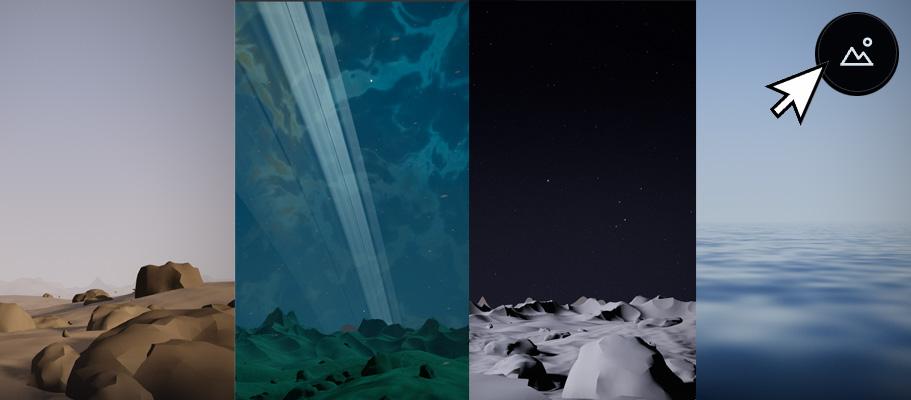
Students choose the elements, the star and the orbit. TerraForge works out the temperature, the atmosphere and what kind of world it is, and rates how habitable it would be. Change one thing and the planet answers.
Moons and whole star systems
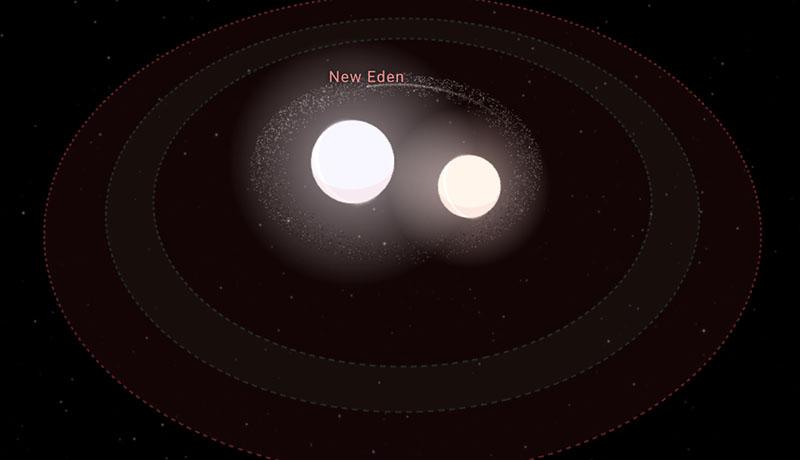
Planets can have moons, and stars can have whole systems of planets around them, including two-star systems. Students see how orbits fit together and where a world would be warm enough for water.
A private galaxy for your class
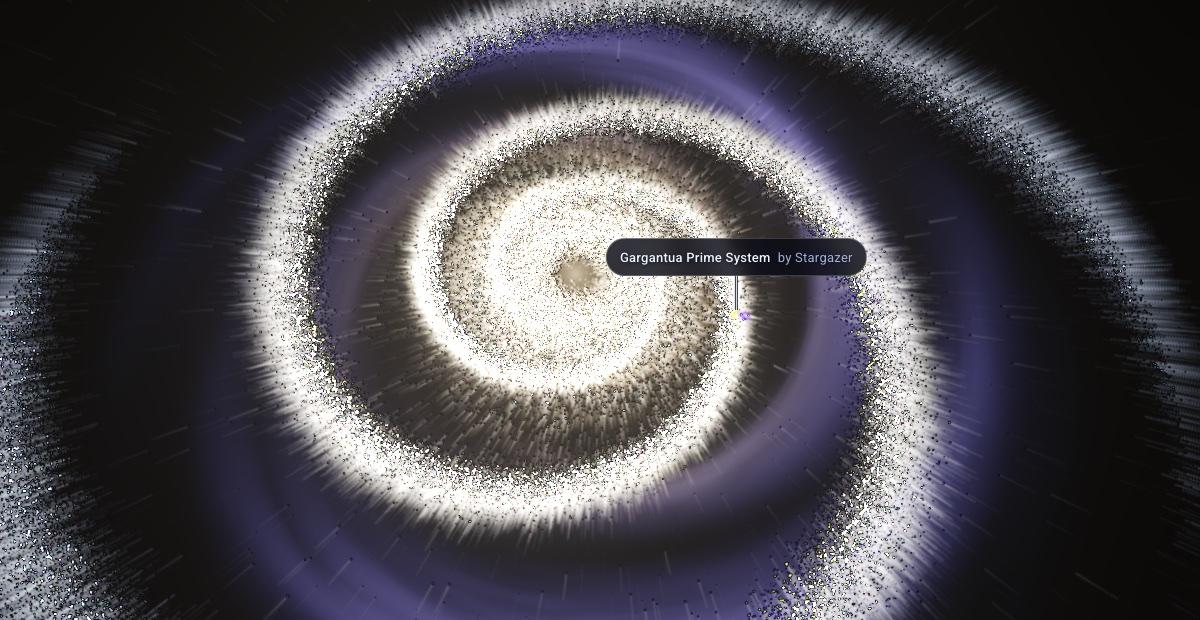
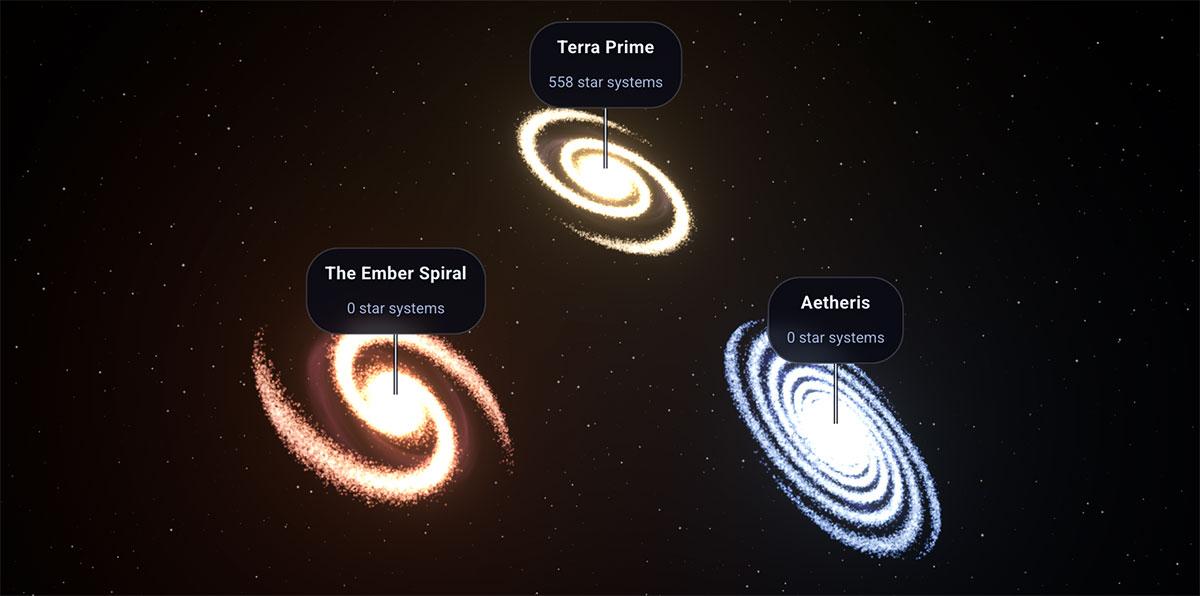
Everything your students build lives in a galaxy only your class and you can see. Nothing goes to the public gallery, and students can explore each other's systems to compare what they made.
You choose what's on the table
Pick the presets, elements, star types and moons your class can use. Keep a first lesson simple, then open up more as students are ready for it.
Nothing is lost for good
Every planet keeps its history. If a student overwrites a world they were proud of, you can restore an earlier version in a click.
See your class at a glance
Your dashboard shows who is signed in. Reset a forgotten password, and lock the class when the lesson ends so nobody keeps building after the bell.
Take the year's work with you
At the end of the year, export everyone's work as one download: the student list, every planet's settings and a picture of each one.
What students learn
Distance sets temperature
Move a planet closer to its star or further out, and watch its surface warm or freeze.
What makes a world habitable
Liquid water needs the right temperature, pressure and atmosphere, all at once.
Composition changes a planet
Swap iron for silicon or add water and the planet's size, density and type change with it.
Stars are not all alike
Red dwarfs, Sun-like stars and hot blue stars give off very different light and heat.
Why some planets keep their air
Gravity, temperature and the star's energy decide whether an atmosphere stays or escapes.
Lesson ideas
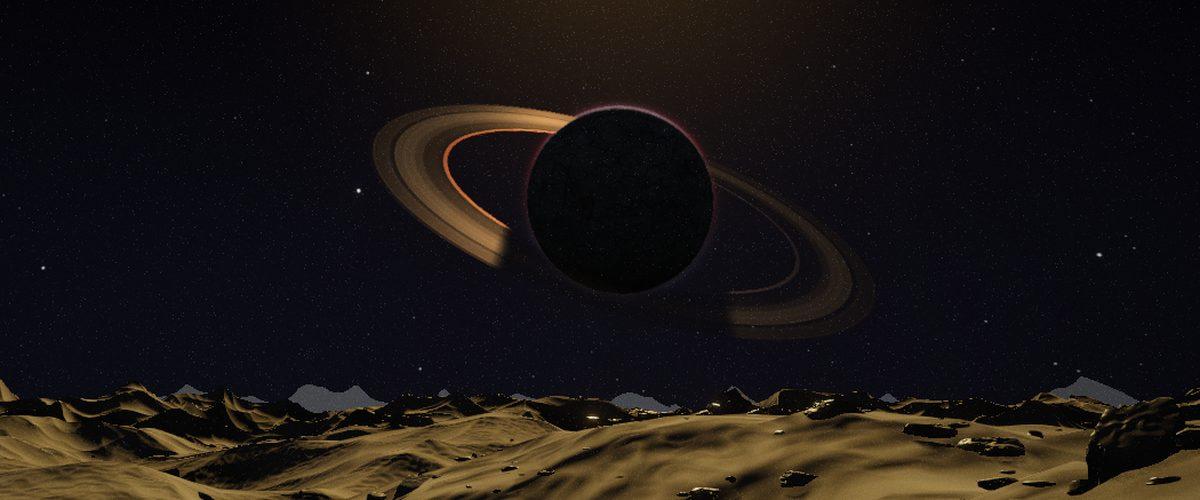
Design a world that could hold liquid water
Students tune distance, star and atmosphere until water stays liquid, then explain which change mattered most.
Recreate Venus
Start from an Earth-like world and push it until it matches Venus. What turned a twin into an oven?
Build a system around a red dwarf
Red dwarfs are the most common stars. Where does a planet have to sit to stay warm, and what does it give up?
Assignments with targets for students to hit are coming soon.
Built for students' privacy
Just a name
A first name and initial is plenty. No surname needed, no birthday, no email.
No email
Students never give an email address, so there is no inbox to verify.
No ads
There are no ads anywhere in a classroom.
No tracking
Student pages load no analytics and no tracking.
Deleted when you are done
Class data is deleted about 90 days after the licence ends, or sooner on request.
The details, including COPPA and FERPA, are on the privacy page for schools.
One simple price
Questions teachers ask
Does it work on Chromebooks?
Yes. It runs in the browser with nothing to install, and the graphics adapt to the device, so it runs on modest school Chromebooks as well as faster machines.
What ages is it for?
Ages 9 and up.
Can students use it at home?
Yes. They sign in from any browser with the same class code, name and password they use in class.
What happens at the end of the year?
Renew and carry on with the same classes, or start fresh. If the licence ends, your classes become read-only, and their data is deleted about 90 days later. You can export everyone's work before then.
Is there a district or purchase-order option?
Not yet. Payment is by card, through Stripe.
Can I try it first?
Yes. The free trial runs for 14 days, with 1 classroom and up to 25 students, and needs no card.
Give your class a galaxy of its own
Set up a class in minutes and try it with your students for 14 days, free.